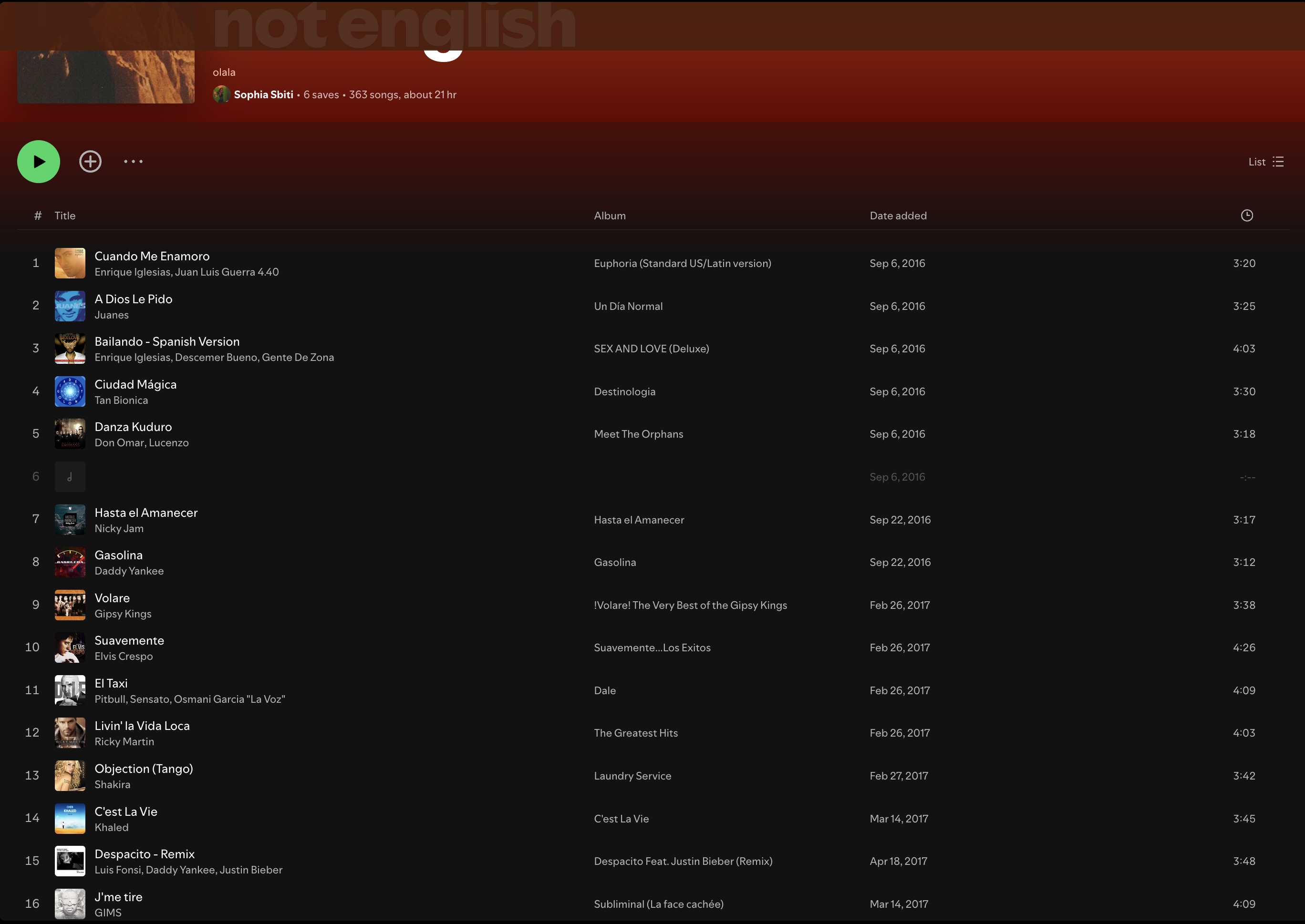
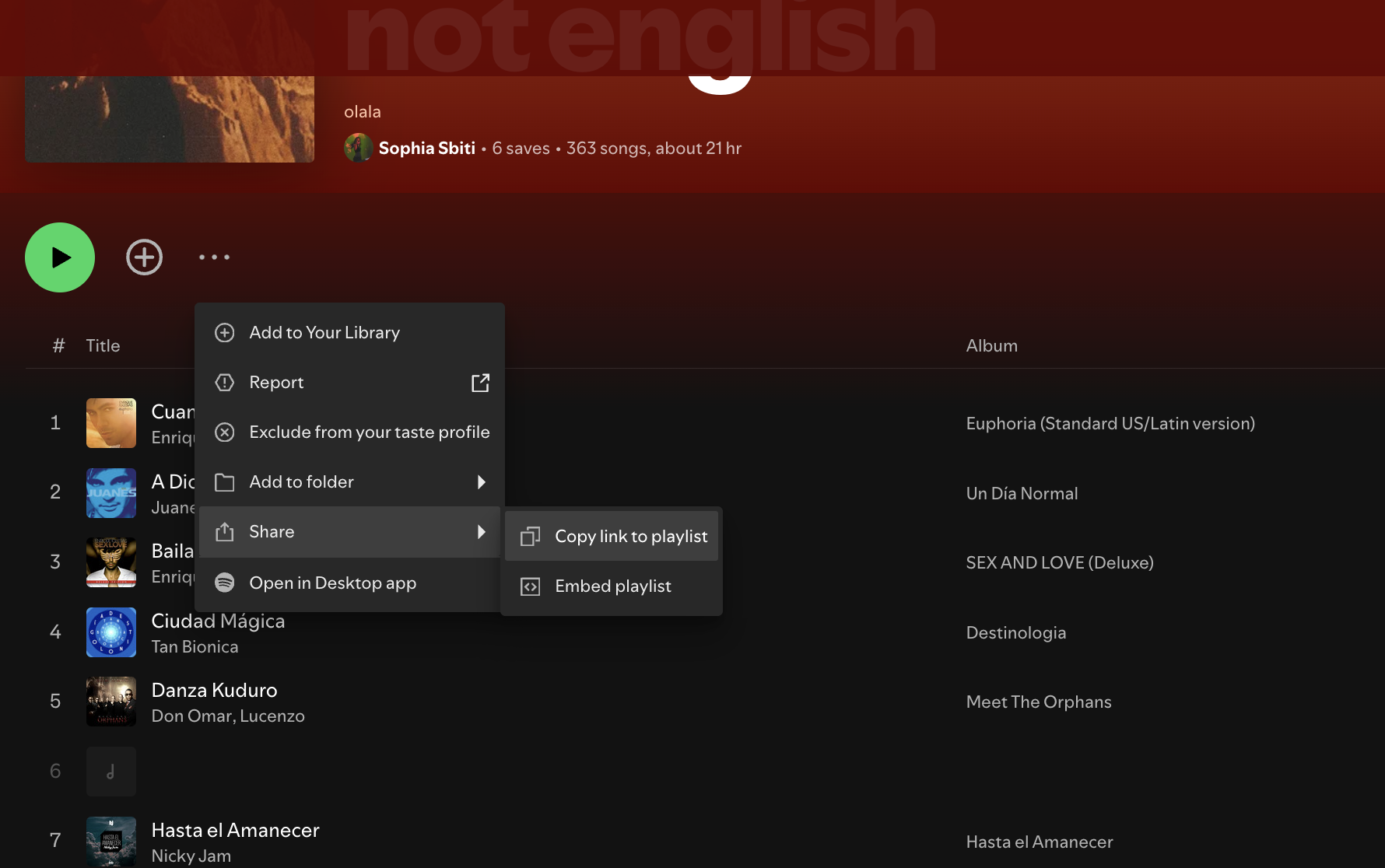
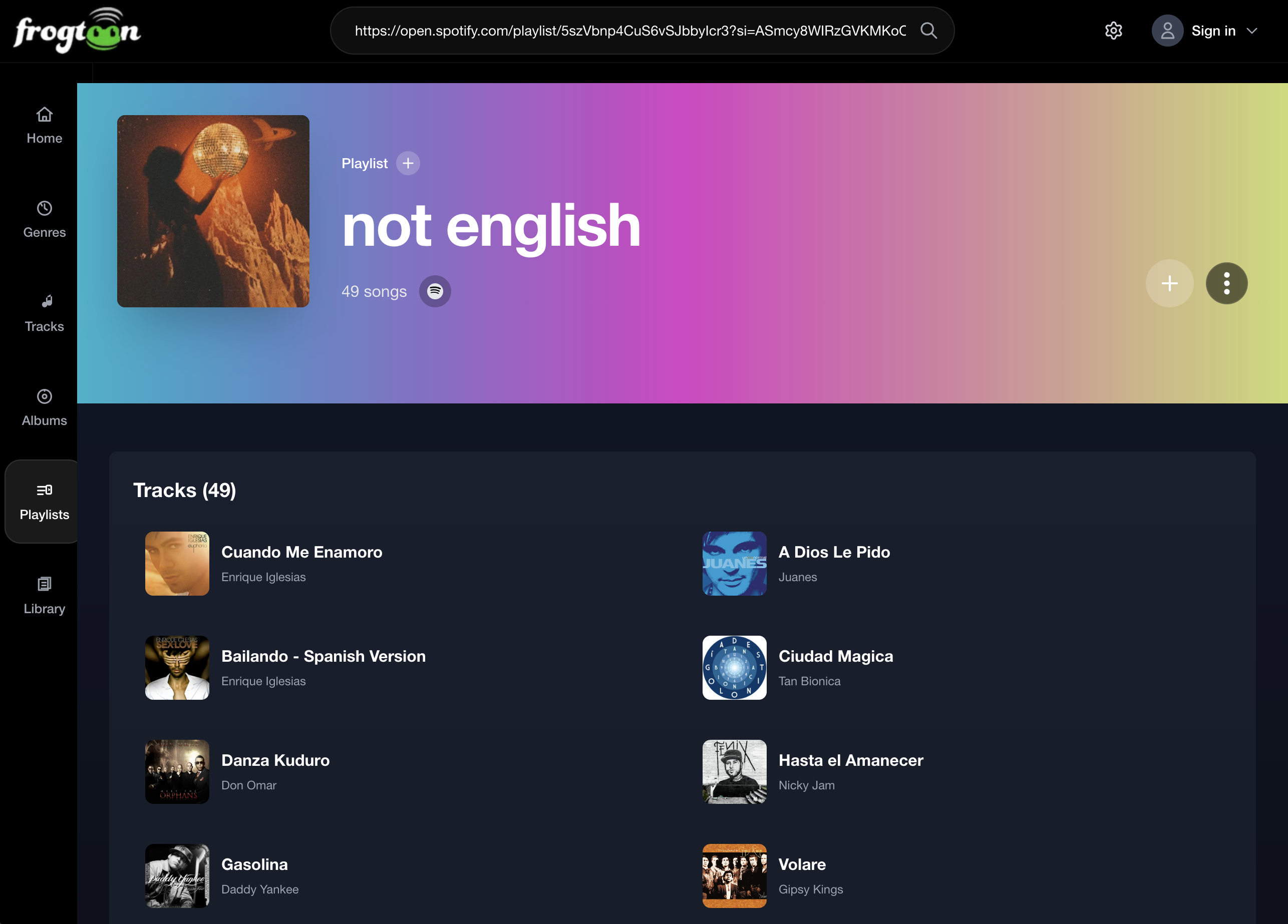
Go to Spotify and copy the link to your favorite playlist, paste it into search, and jump straight into a video-first session.
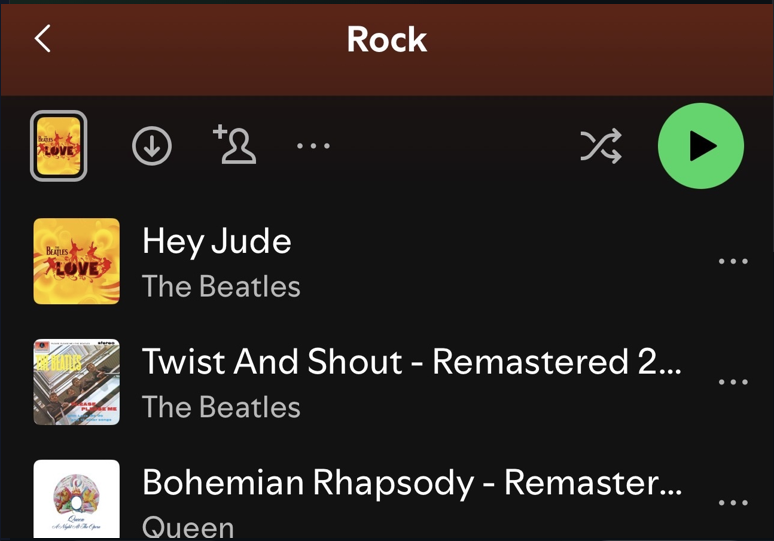
Step 1
Start from the playlist you want to bring into Frogtoon.
Step 2
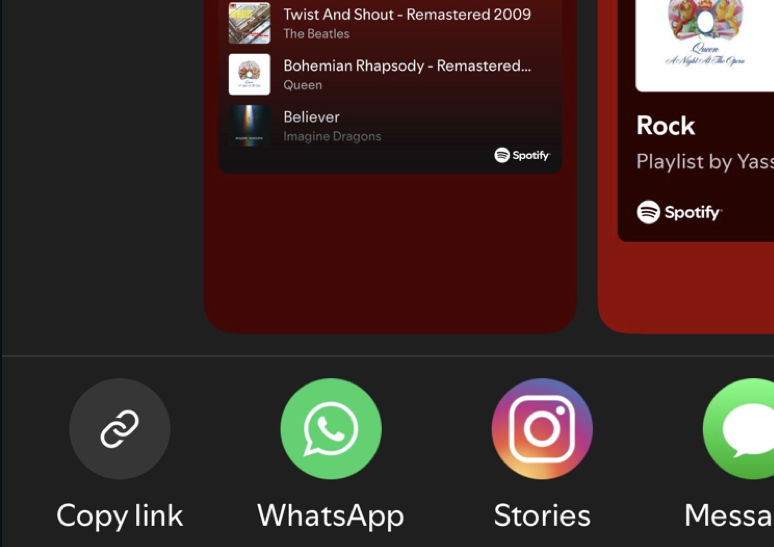
Use Spotify's share menu and copy the playlist link.
Step 3
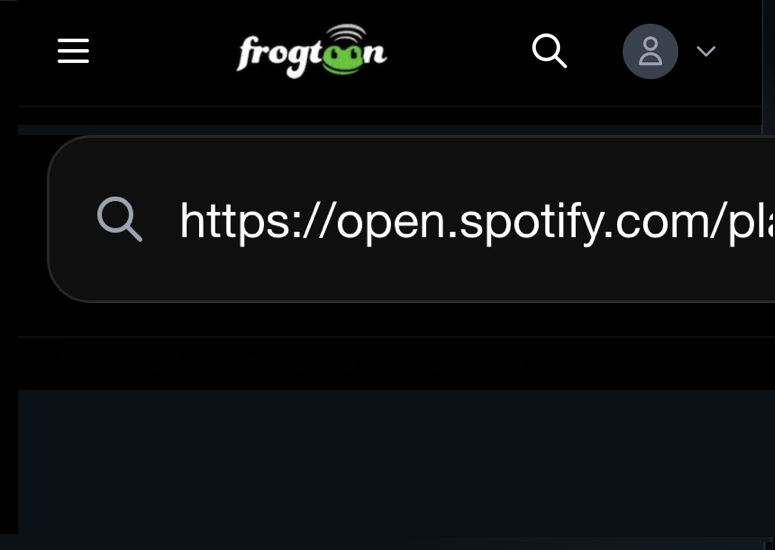
Drop the Spotify link into Frogtoon search and open the matching playlist.
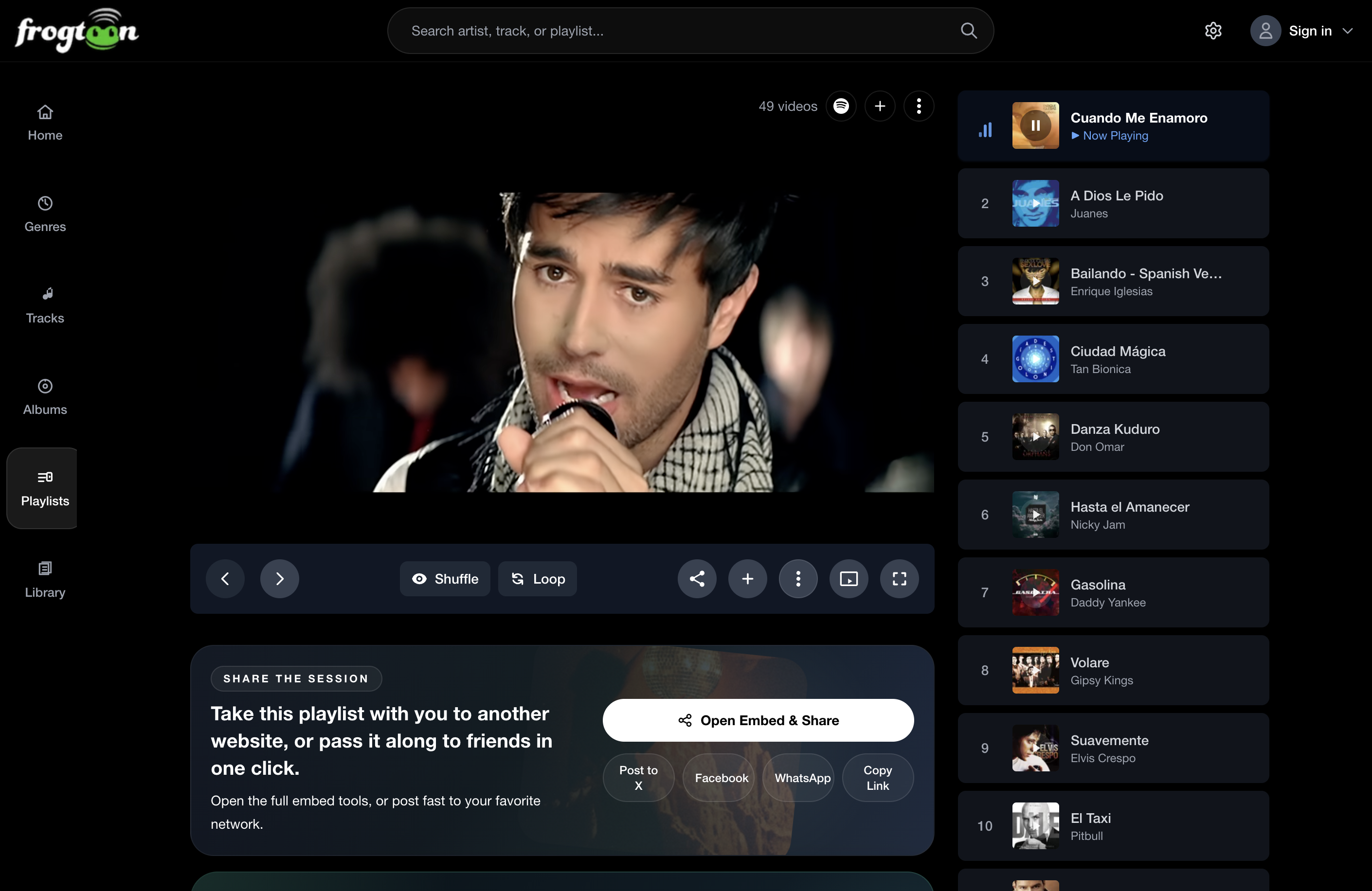
Then
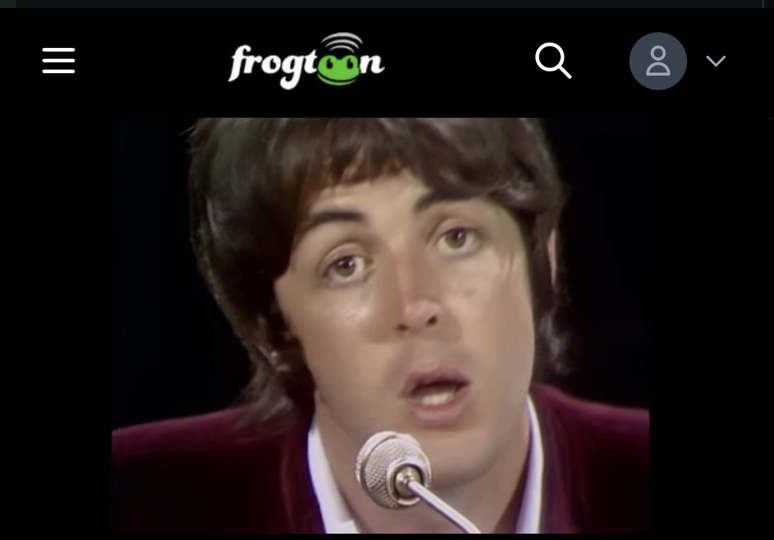
Your playlist becomes a video-first Frogtoon session instantly.
Imported playlists
We only show the promo once in the main app. After that, you can always reopen the Spotify import guide from Help, Features, and How-To Guide.